

Command center
What needs you first, across every agent.
The Command center opens when you sign in. The headline tells you how many agents are acting, how many decisions wait for you and how many incidents are open.
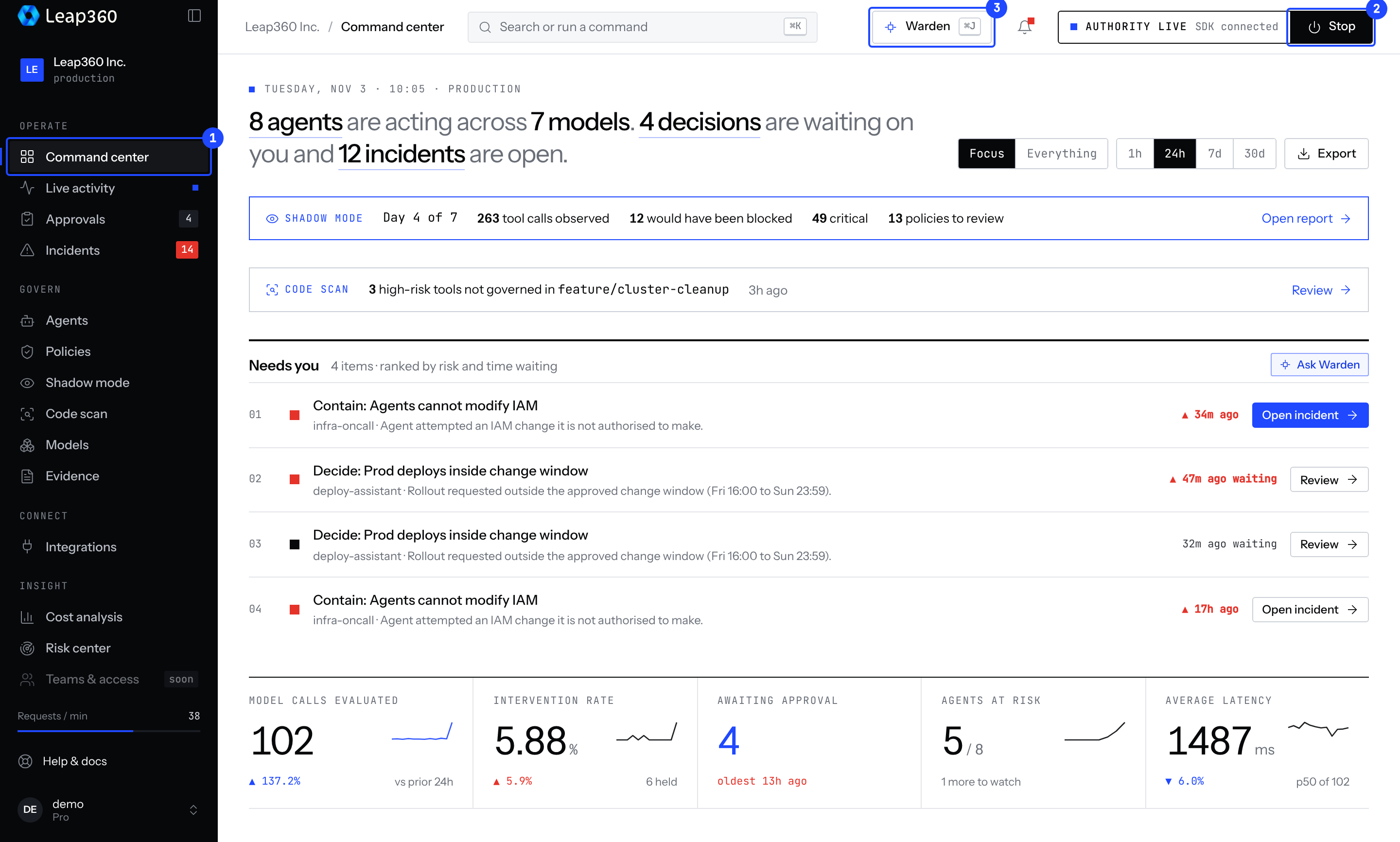
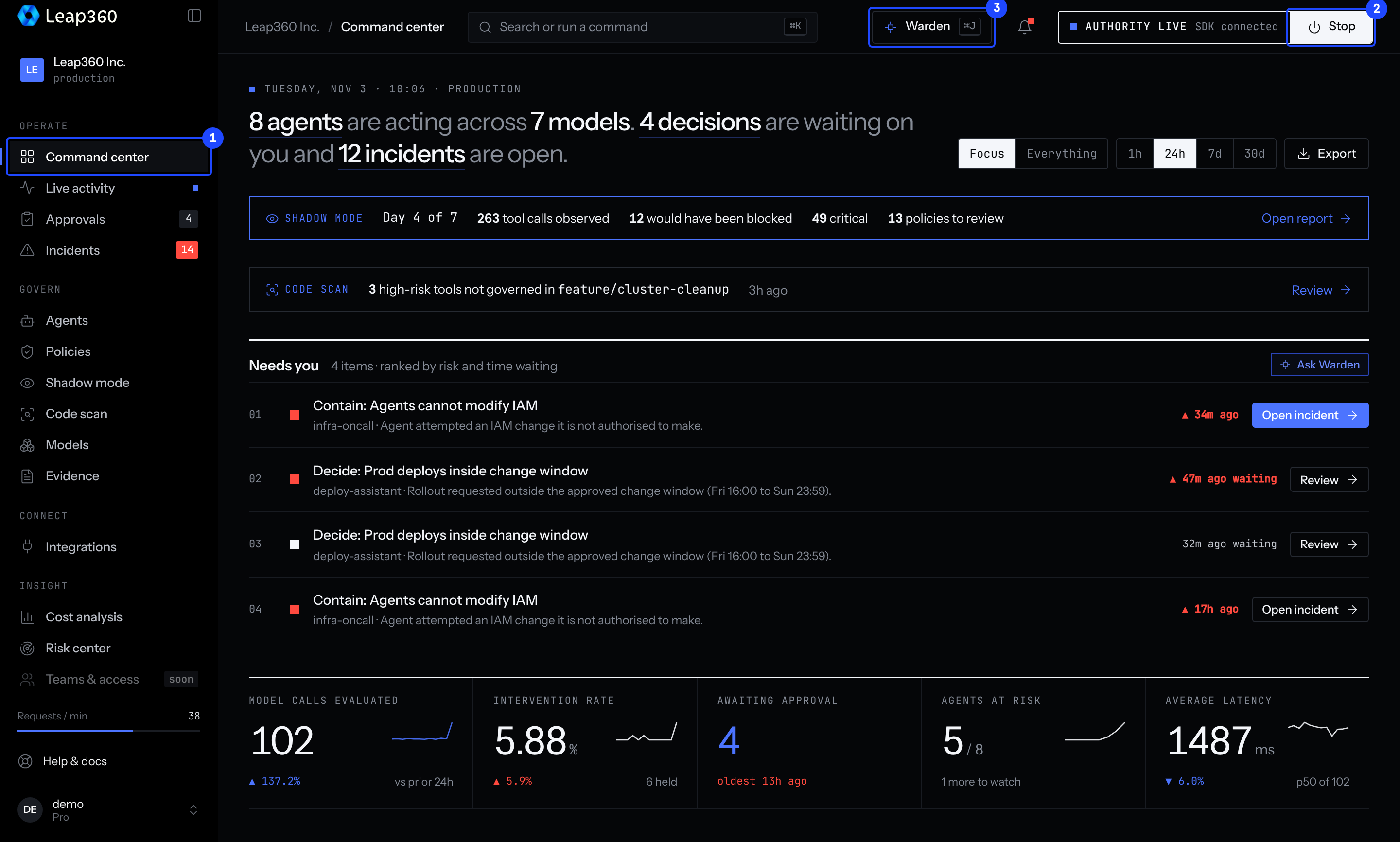
- Shadow mode banner: while the project is in shadow mode, the day of the window and what would have been blocked. Open the report from here.
- Code scan banner: the latest scan result, when tools are not governed.
- Needs you: approvals and incidents ranked by risk and time waiting. Each row opens the right screen.
- Numbers: model calls evaluated, intervention rate, approvals waiting, agents at risk and latency, against the previous period.
Switch between Focus and Everything, and choose the time range, at the top right.