

Try the demo
See the console with sample data, before you connect anything.
The live demo shows the Leap360 console running a busy fleet of sample agents. Nothing in it is real, and nothing you do there is saved.
Open it
Go to leap360.ai/demo. No account is needed.
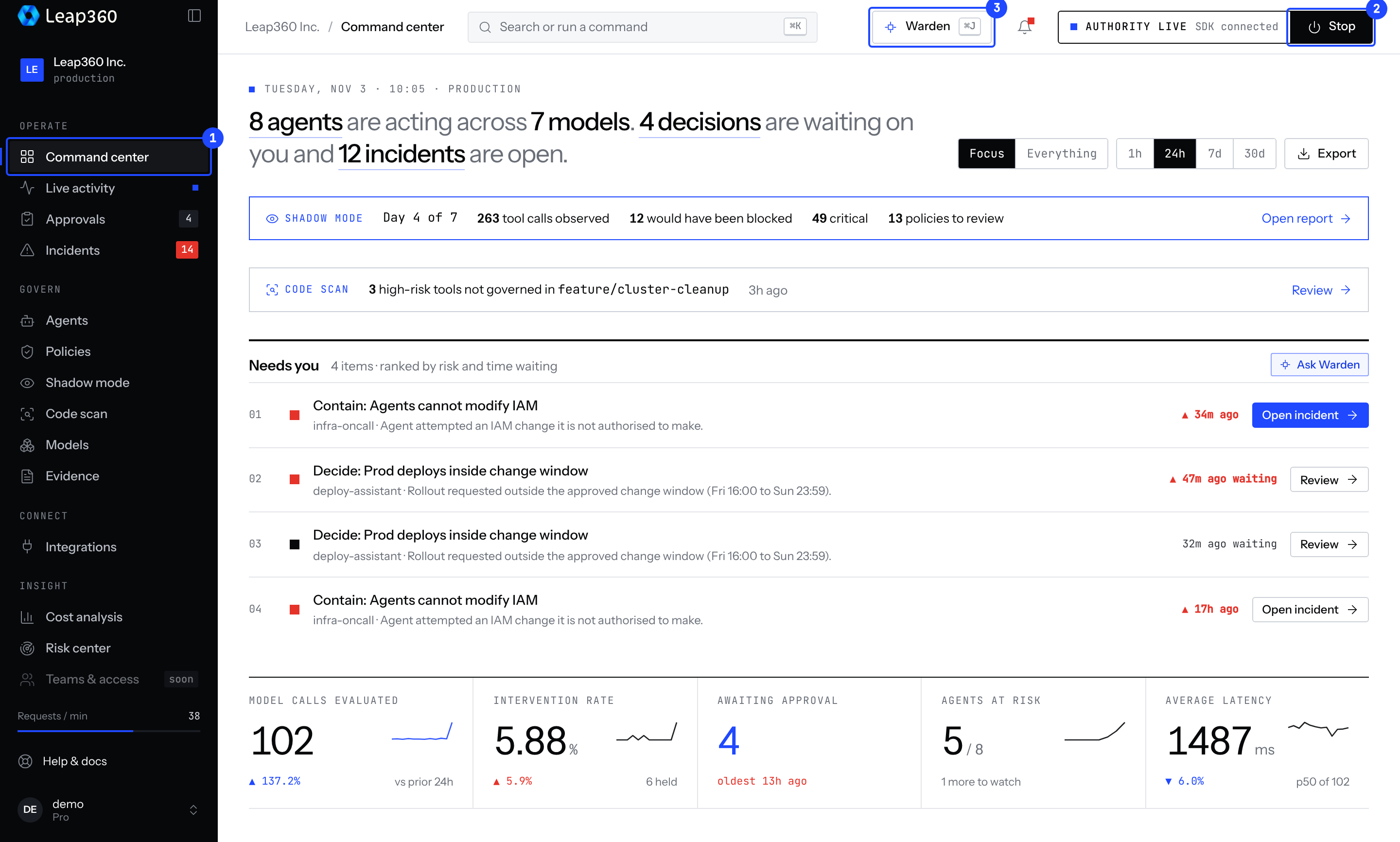
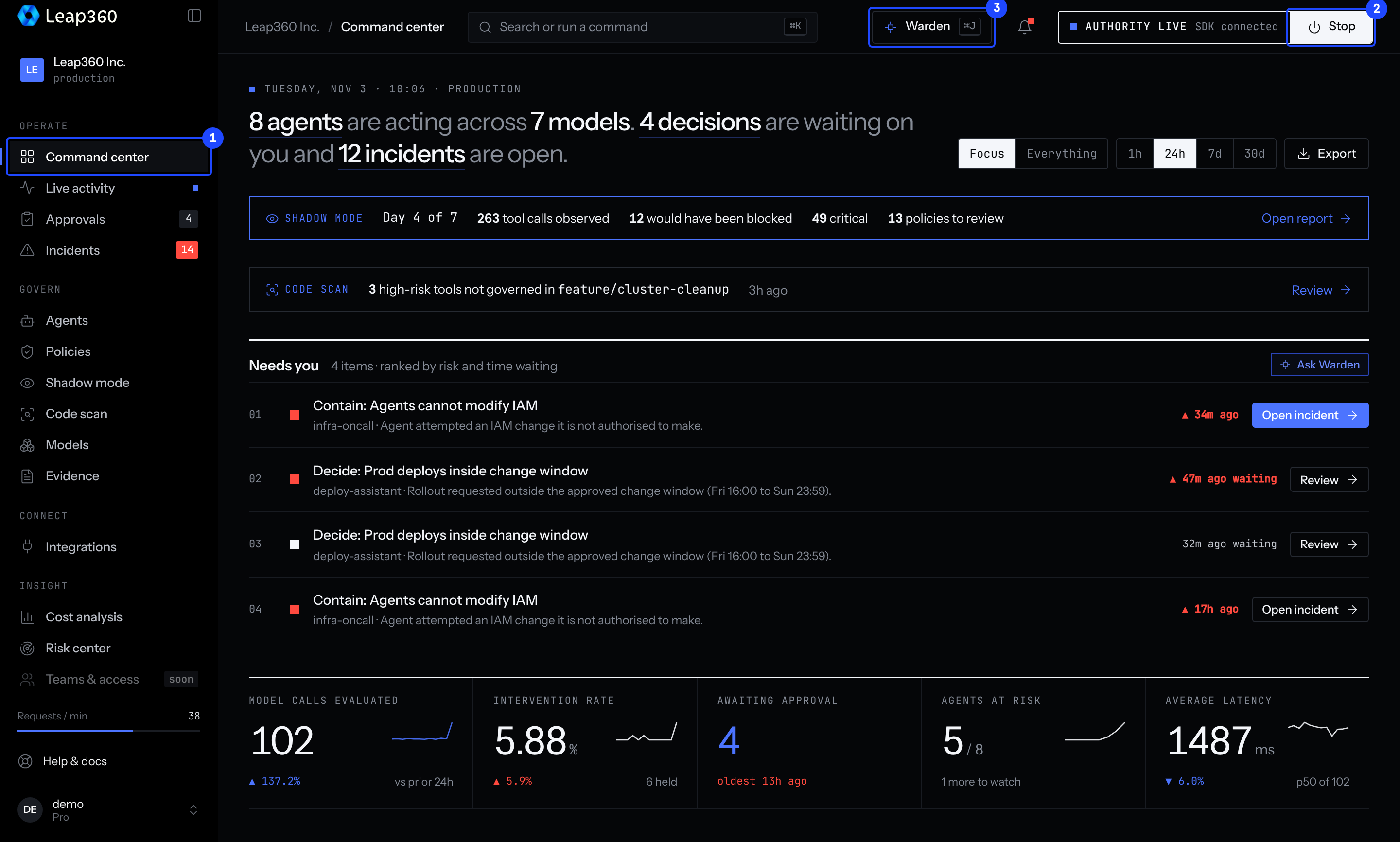
The kill switch in the demo is a preview. It shows what stopping looks like, but it cannot stop any real agent.
A short tour
- Command center: what needs you first.
- Approvals: decide on a held action.
- Incidents: contain and review what went wrong.
- Shadow mode: what your policies would have caught.
- Policies: the rules behind each decision.
When you are ready to use your own agents, follow the Quickstart.