

Approvals
Hold risky actions until a person says yes.
When a policy's action is hold for approval, a matching call stops and waits in the approval queue. A person decides; the agent never can.
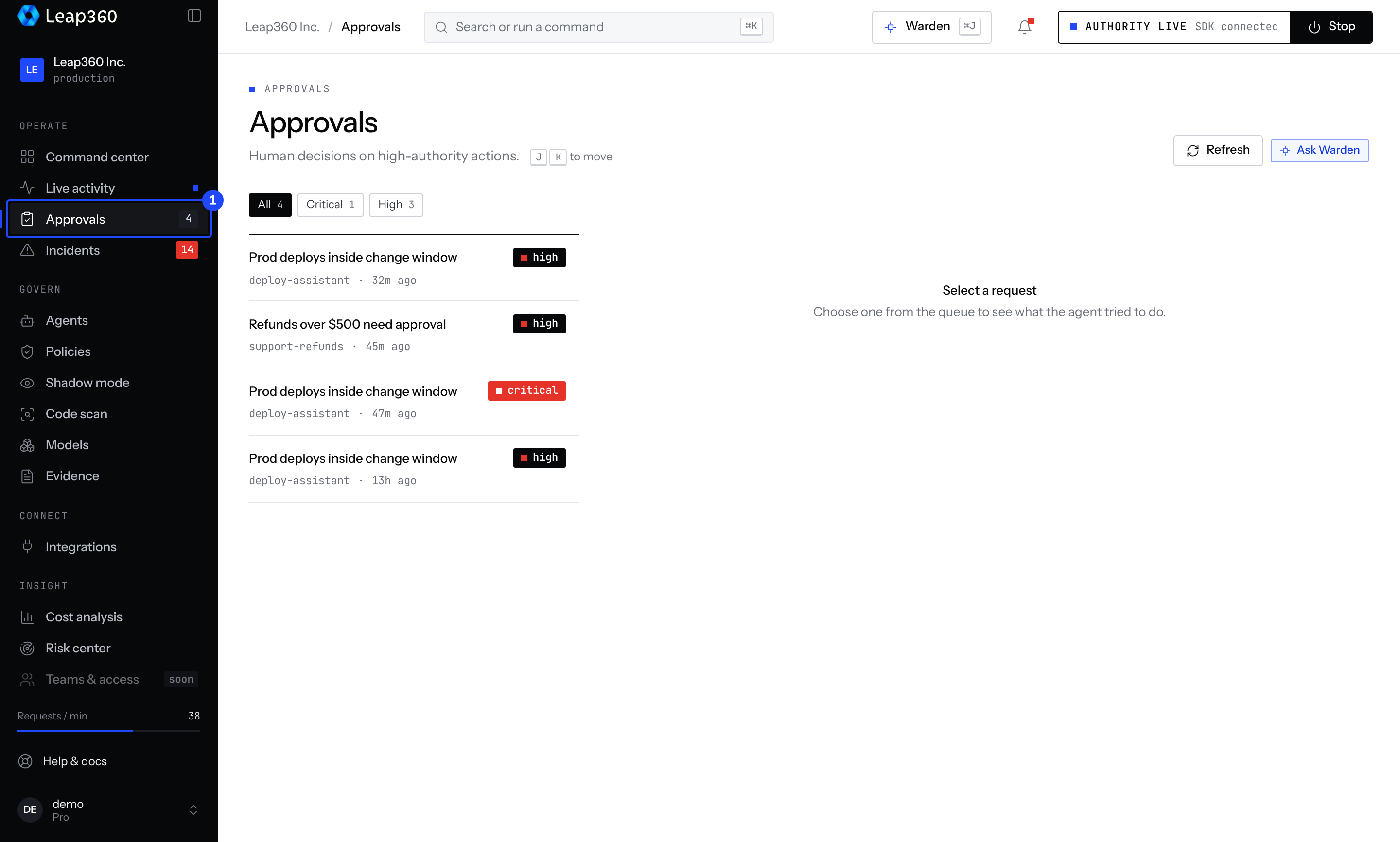
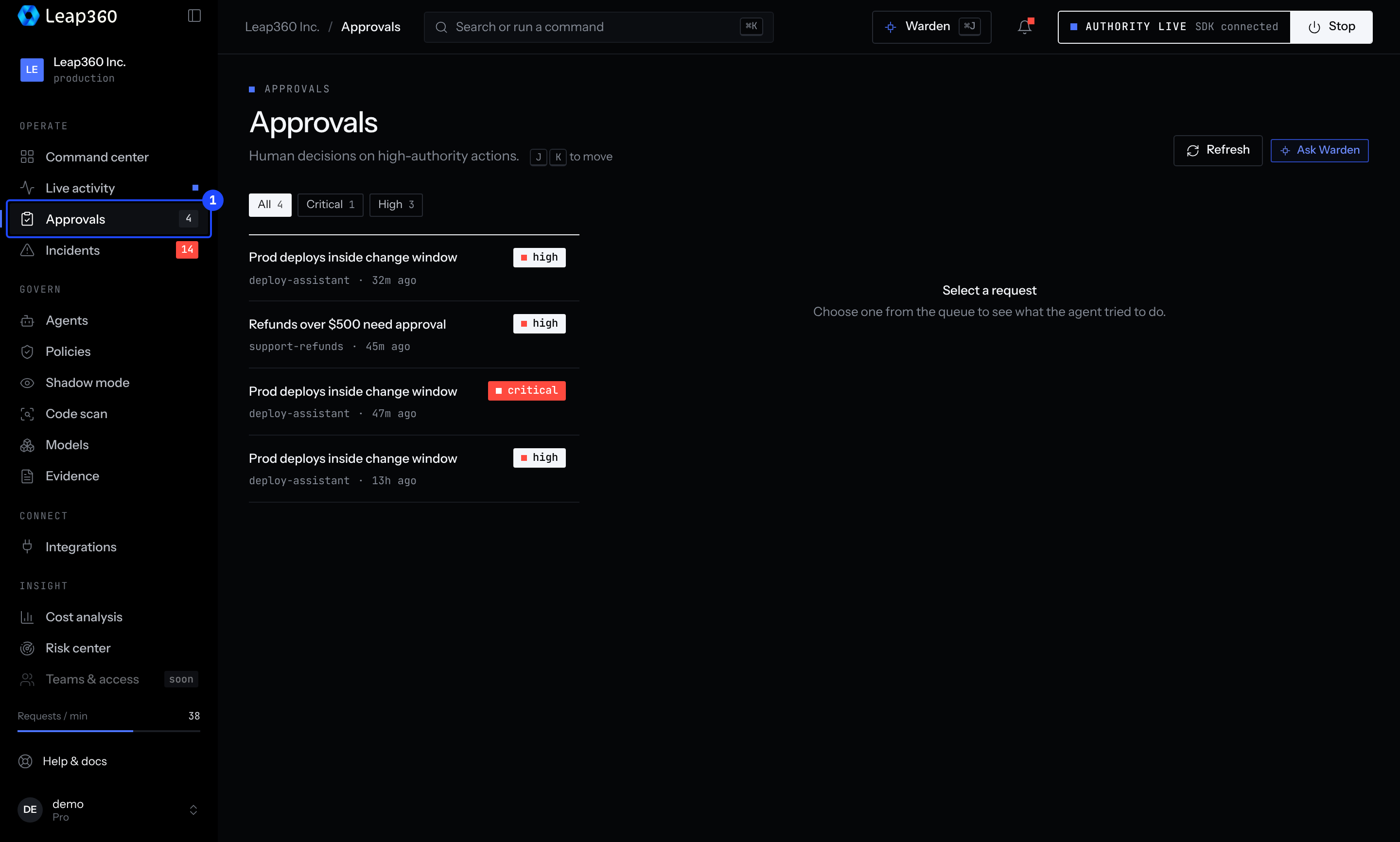
Decide in the console
Open Approvals. Each request shows the agent, the action and its arguments, the policy that held it, and how long it has waited. Approve or reject it, optionally with a note. Use J and K to move between requests.
What the agent sees
- By default the call throws
APPROVAL_REQUIRED. After approval, that exact call may run for 15 minutes, so a retry passes. - To have the agent wait instead, set
approvalWaitMs(JavaScript),approval_wait(Python) or--approval-wait(MCP proxy).
Decide from code
A signed-in person can decide through the client:
import { Leap360Client } from 'leap360';

const client = new Leap360Client();
const { approvals } = await client.getApprovals();
await client.decideApproval(approvals[0].id, 'approved', 'Checked with the on-call engineer');
An agent's API key can't approve requests. The API answers PERSON_REQUIRED.