

Kill switch
Stop one agent or the whole project, right away.
The kill switch stops agents before their next call. It works in shadow mode and in enforce mode.
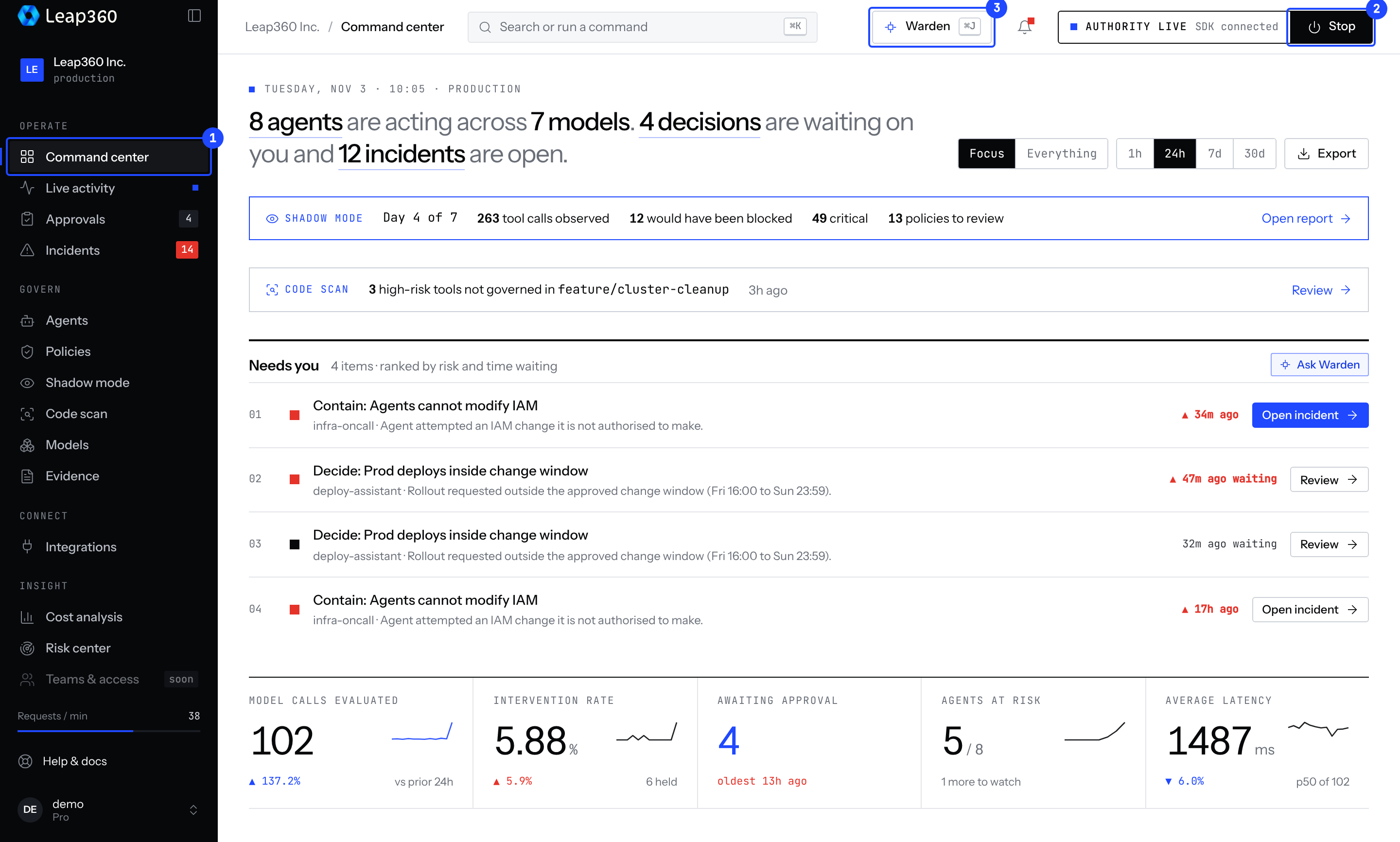
Stop everything
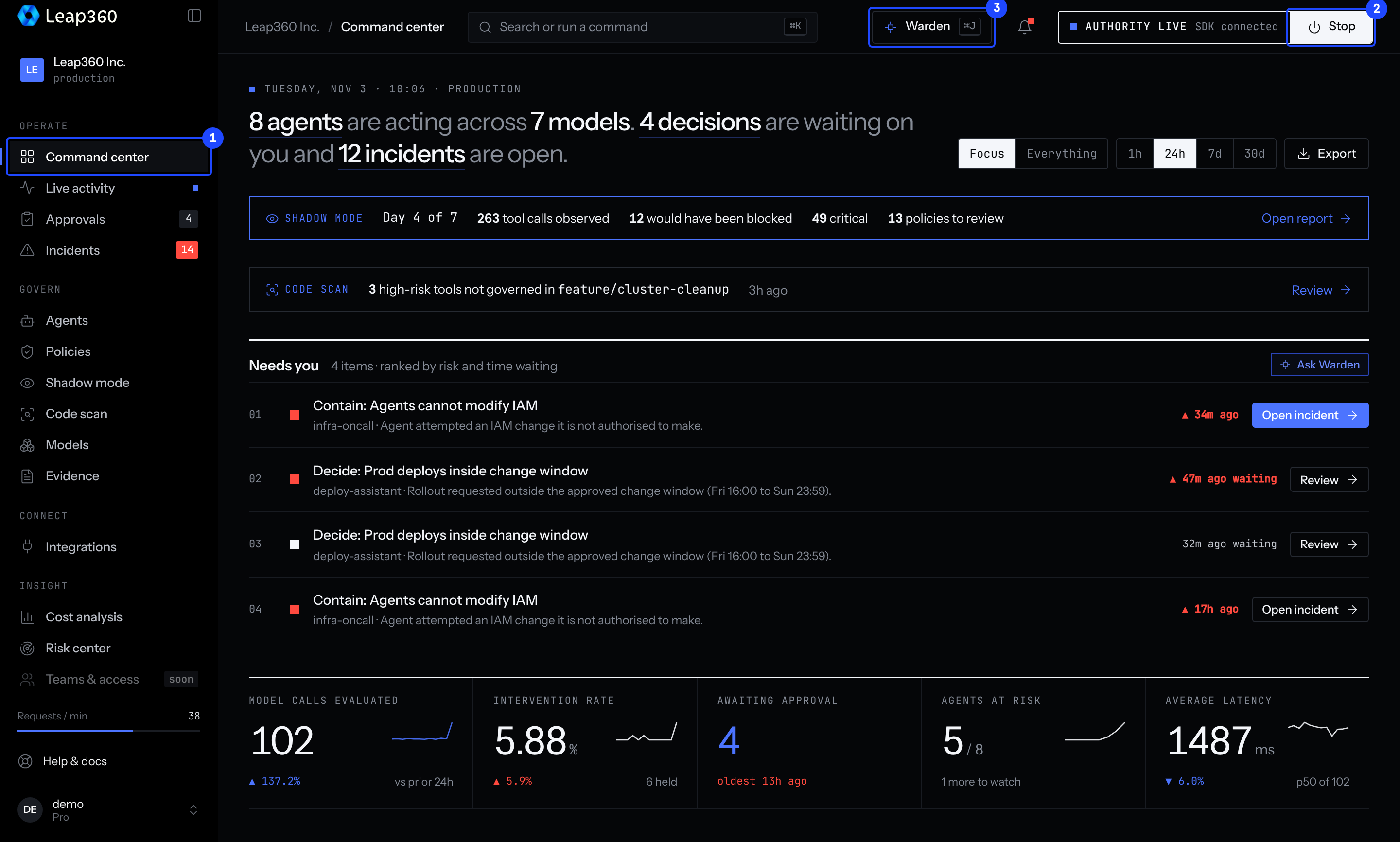
Choose Stop in the top bar of the console. Every agent in the project stops.
Stop one agent
Open Agents, select the agent, and stop it.
Stopping an agent also stops the API keys it used, so it can't carry on under another name. Other agents that share one of those keys stop too, and the CLI names them.
What a stopped agent sees
The SDK throws before the model or tool is called, so a stopped agent costs nothing. A trace sent to a stopped agent gets HTTP 403:
{ "code": "AGENT_HALT", "message": "Agent \"search-agent\" is suspended. Kill Switch is active for this agent." }A stopped project returns GOVERNANCE_HALT.
Restart
Restarting needs a person signed in to the console. An API key can stop agents but never restart them, so an agent cannot lift its own kill switch. With only an API key, npx leap360 agents resume prints a link to the agent's page in the console.