

Policies
Write the rules that decide what agents may say and do.
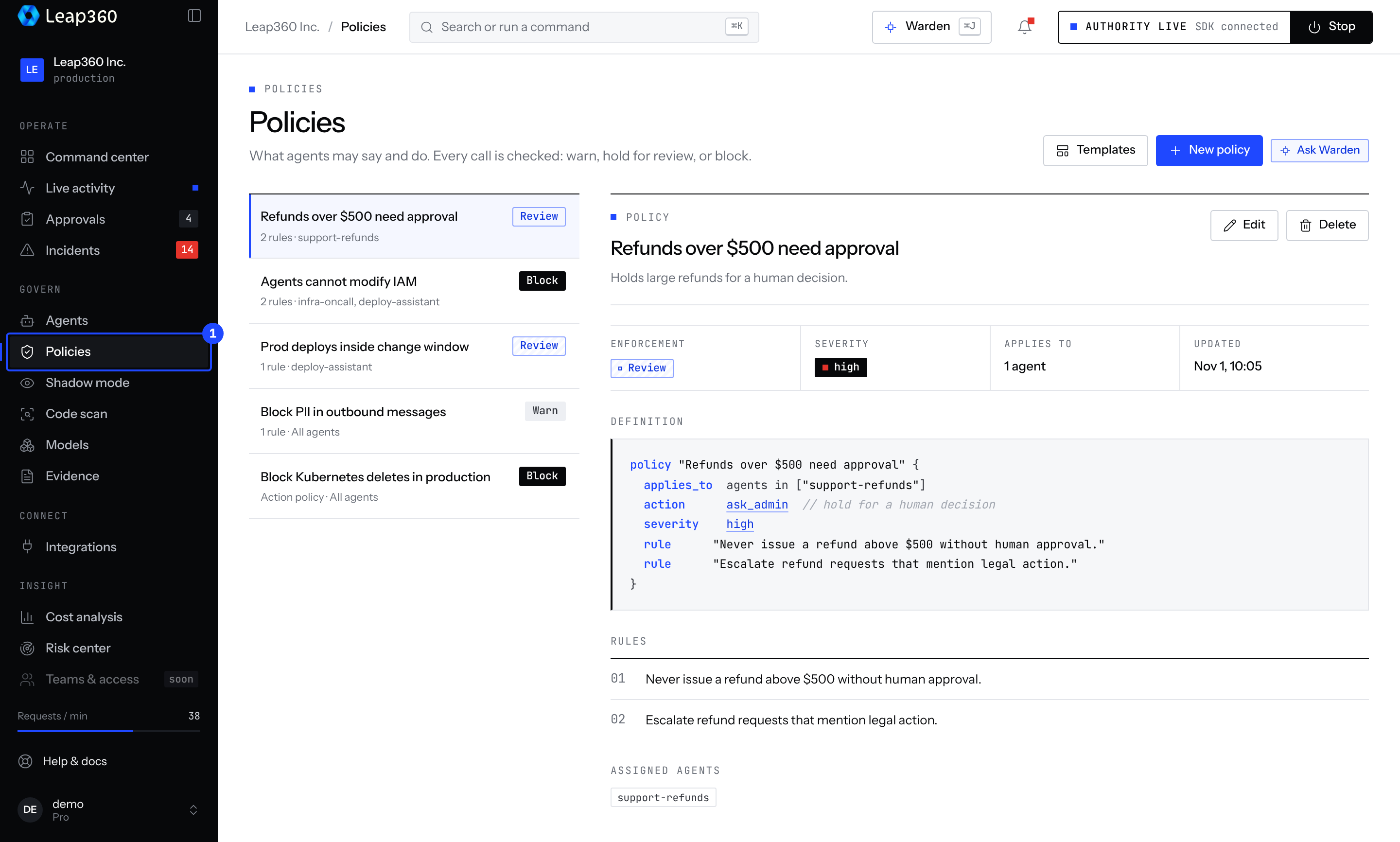
A policy is a rule plus what to do when it is broken. Every call is checked: warn, hold for approval, or block.
Start from suggestions
The fastest way to get good policies is shadow mode: it drafts policies from what your agents actually did, each with the calls it would have caught. Adopt them from the Shadow mode page.
Create a policy in the console
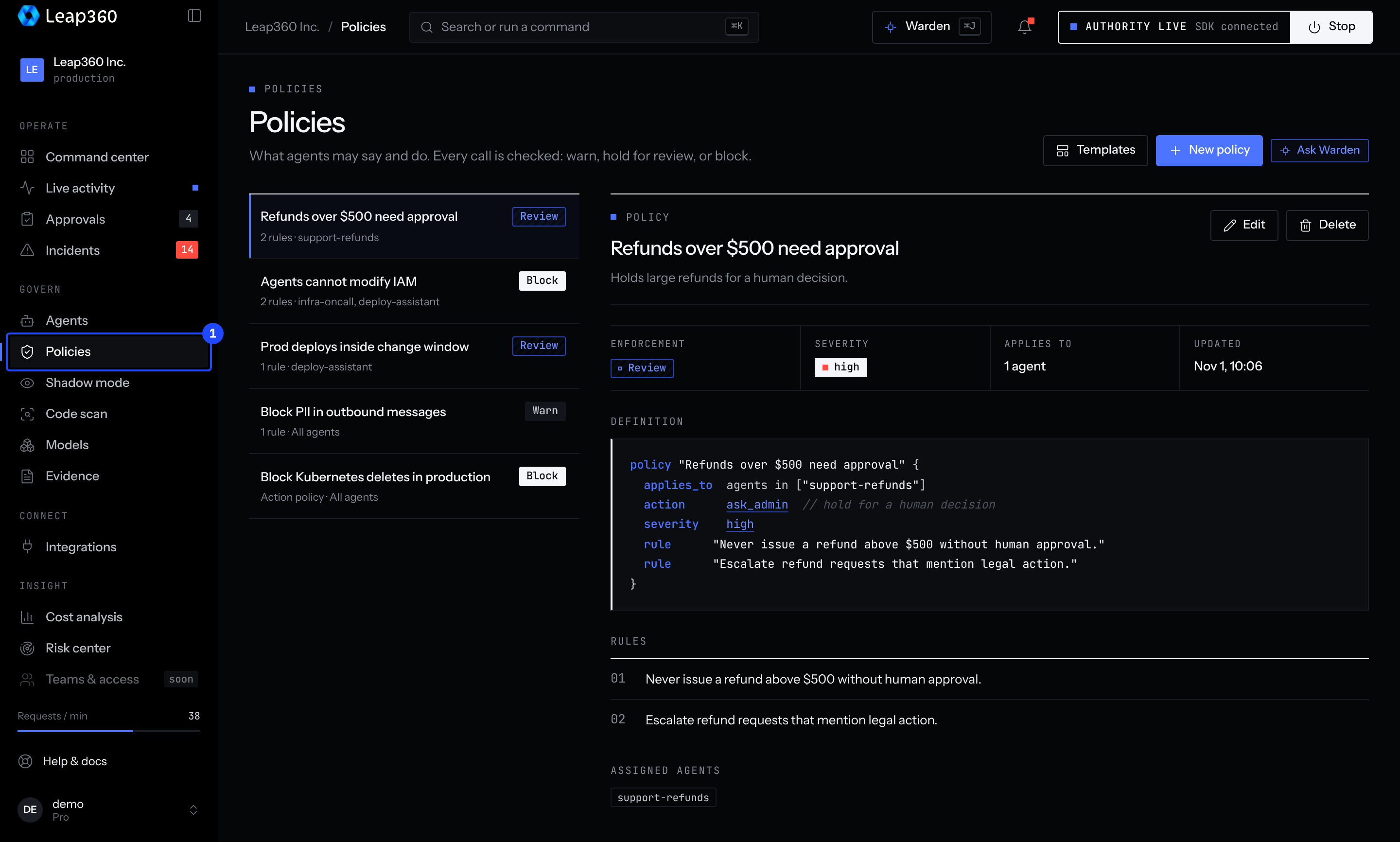
Open Policies and create a new policy. Give it a name, write the rules in plain language, choose the severity and what happens on a violation, and pick the agents it applies to. Leave agents empty to apply it to all of them.
Create a policy through the API
curl -X POST \
  "https://b0vyk178b7.execute-api.us-east-1.amazonaws.com/v1/projects/{projectId}/policies" \
  -H "x-api-key: leap360_your_key_here" \
  -H "Content-Type: application/json" \
  -d '{
    "name": "No PII",
    "description": "Prevent exposure of personal information",
    "rules": ["Do not reveal credit card numbers", "Do not reveal social security numbers"],
    "severity": "high",
    "action": "block",
    "blockViolations": true,
    "assignedAgents": ["search-agent"]
}'| Field | Type | Required | Description |
|---|---|---|---|
name | string | Yes | Display name |
description | string | No | What the policy is for |
rules | string[] | Yes | Rules in plain language |
severity | high, medium, low | No | Severity of a violation |
action | block, warn | No | What happens on a violation |
blockViolations | boolean | No | Flag violations prominently |
assignedAgents | string[] | No | Agents the policy applies to; empty means all |
An API key can add policies. Changing or deleting a policy needs a person signed in to the console, so an agent cannot loosen its own rules.